
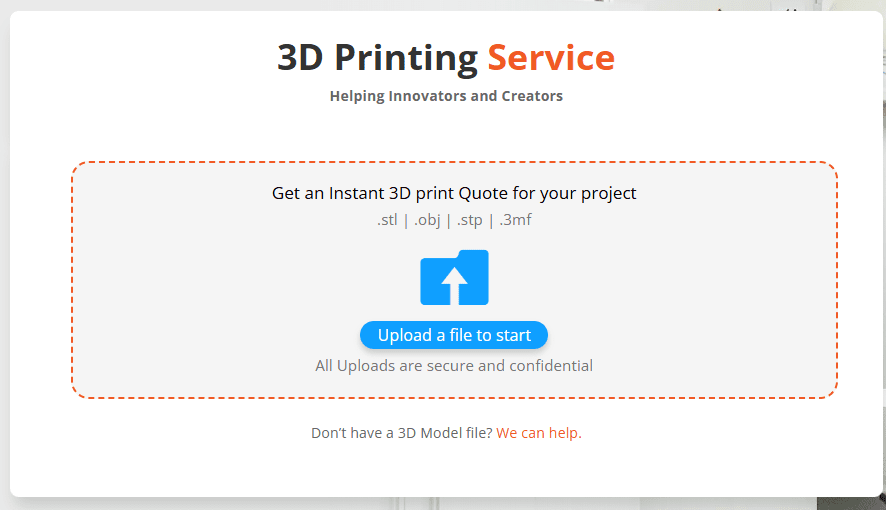
JawsTec’s website hosts a 3D printing instant quote engine where customers and other interested individuals can upload their files and explore our offerings. Customers can view different materials, sizes, and finishes. Here is a quick guide on how to use it:
File Preparation
The 3D instant quote engine accepts .stl, .obj, .3mf, .stp, or .step files. Any other file type will need to be converted. At this time, we do not offer an in-house model designer but recommend CADMORE for design assistance.
Once you have your file ready, you can upload it to the page.
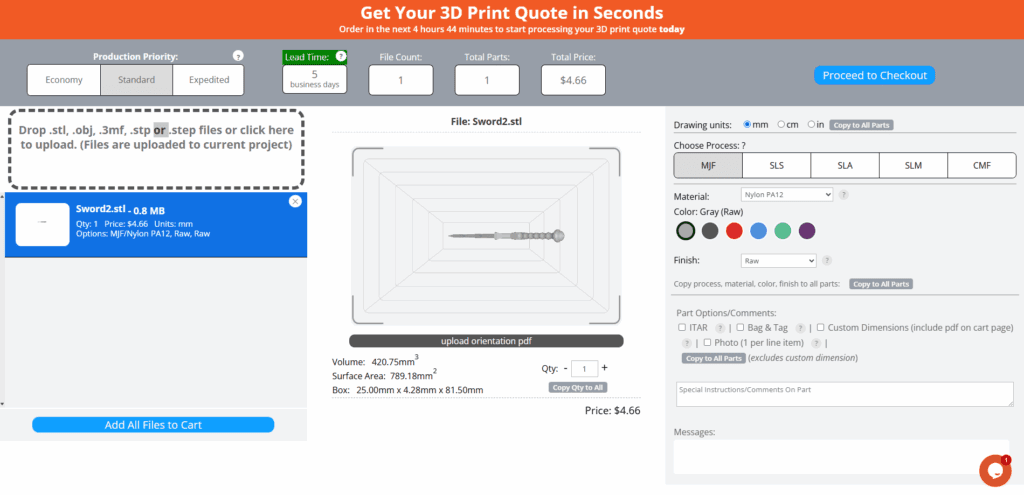
The 3D printing instant quote engine will notify you if there are any issues with your file. A common issue is the part being too large, which can be adjusted using the size selection on the right. Here, you can choose between millimeters, centimeters, and inches.
Material Selection
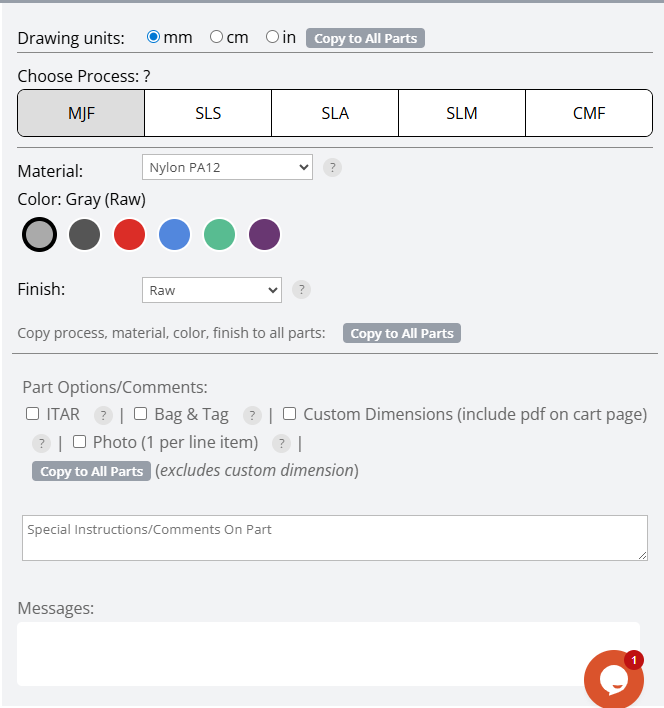
After addressing any issues, you can begin exploring the material section. We offer Multi Jet Fusion (MJF), Selective Laser Sintering (SLS), Stereolithography (SLA), and more.
When you select a material, the Color and Finish options will update to reflect what’s available for that specific process. For example, if you select MJF but want your part dyed brown, you’ll need to switch to another process where that option is available, such as SLS.
Finishing Options
In addition to dyeing, we offer three finishing options: Raw, Polished, and Vapor Polished. Each provides a different look and feel, depending on the needs of your part.
Checkout and Support
Once you’re done using the 3D instant quote system, you’re ready to begin the checkout process. If you have any concerns or need help with your file or quote, reach out to [email protected]—we’ll be happy to assist you.
Try it for yourself! Get started with your 3D printing instant quote today and see how easy custom part production can be with JawsTec Instant Quote.