
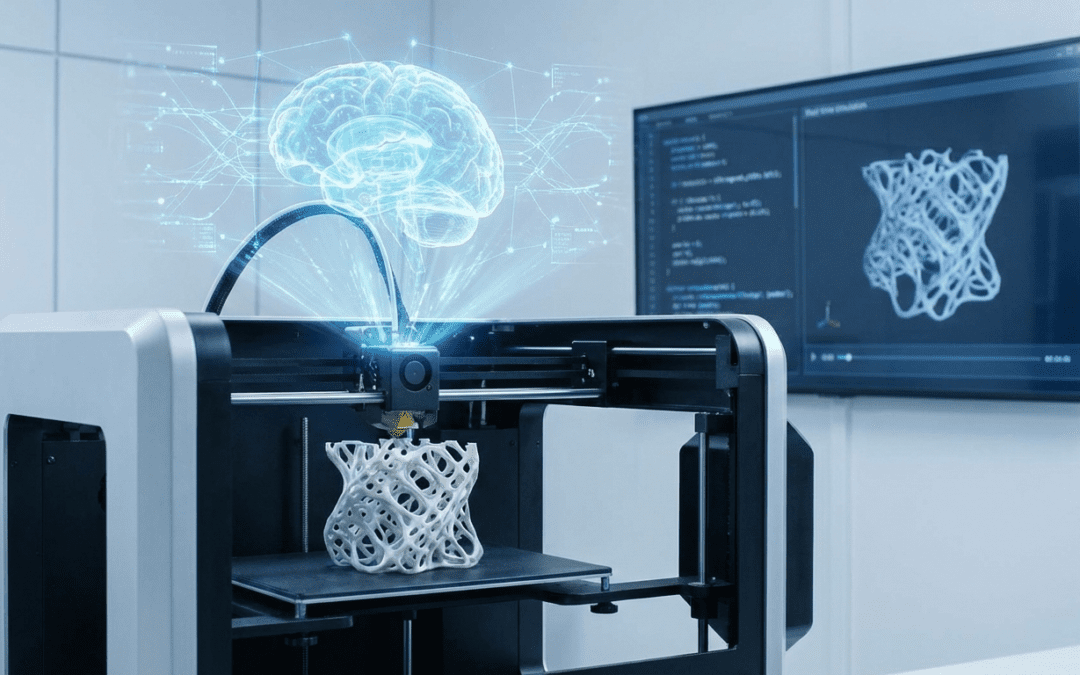
The future of 3D printing is here. Artificial Intelligence (AI) tools are automating complex design and pre-production tasks, unlocking geometries previously impossible for human designers. While this technology promises enormous gains in efficiency and innovation, it introduces new considerations for quality, control, and integrity.
Here is a comprehensive breakdown of the pros and cons of using AI in your 3D printing workflow, and what industry experts like us advise you to watch out for.
The Pros: How AI Supercharges 3D Printing
AI tools dramatically enhance the entire additive manufacturing lifecycle, offering benefits that traditional Computer-Aided Design (CAD) cannot match.
1. Generative Design and Optimization
AI’s most celebrated application is generative design and topology optimization.
- Creates Lightweight, Strong Parts: AI algorithms analyze user-defined constraints (load points, material type, manufacturing process) and automatically generate thousands of design iterations. It systematically removes non-essential material, creating organic, lattice-like structures that are lighter, stronger, and inherently optimized for the freedom of 3D printing.
- Accelerates Iteration: Designs that would take human engineers weeks to perfect can be generated and simulated in minutes, drastically shortening the product development cycle.
2. Automated Print Prep and Error Correction
AI removes the manual guesswork involved in preparing a file for production, reducing print failures and material waste.
- Smart Slicing: AI-enhanced slicers optimize toolpaths, suggesting the best part orientation to maximize strength, minimize support material, and reduce print time.
- Geometry Repair: AI automatically detects and repairs common CAD flaws like manifold errors, misaligned meshes, and gaps, ensuring the model is truly “print-ready” without requiring hours of manual mesh repair.
- Material Efficiency: AI calculates the exact infill density needed for structural integrity, ensuring efficient material use and significant cost savings.
3. Real-Time Quality Assurance and Predictive Maintenance
For industrial and professional 3D printing services, AI ensures consistency across large fleets of machines.
- In-Situ Monitoring: AI uses computer vision and sensors to monitor the build plate layer-by-layer. It can detect anomalies like warping, layer shifting, or uneven extrusion in real-time, often adjusting printing parameters autonomously or alerting an operator before a catastrophic print failure occurs.
- Predictive Maintenance: By analyzing sensor data (vibration, temperature, power draw), AI predicts when a printer component (like an extruder or laser) is likely to fail, allowing for proactive servicing and minimizing costly downtime.
The Pros: How AI Supercharges 3D Printing
The Cons and Crucial Watch-Outs
While AI is a powerful assistant, it is not yet a replacement for experienced human expertise. Using AI tools without caution can lead to significant problems in manufacturability, intellectual property, and quality.
The Cons and Crucial Watch-Outs
While AI is a powerful assistant, it is not yet a replacement for experienced human expertise. Using AI tools without caution can lead to significant problems in manufacturability, intellectual property, and quality.
1. Printability and Manufacturability Flaws
The number one concern with generative AI models is that they often prioritize aesthetic or structural novelty over practical printability.
| AI Pitfall | Description | What to Watch Out For |
| Untested Geometry | AI models generated from text prompts or limited constraints are often not tested by the creator. | Look for “Makes” or real photos. Only trust models backed by physical print verification, not just shiny renders. |
| Support Structure Nightmares | AI can design intricate, deep internal channels or overhangs that are nearly impossible for a human to clean or remove supports from. | Complex internal lattices may be great for weight reduction, but impossible to post-process. |
| Anisotropic Weakness | 3D printed parts are often weaker along the Z-axis (layer lines). AI must be constrained to respect this directionality. | Ensure your AI-optimized part is oriented and constrained to place the main load perpendicular to the layer lines. |
2. Intellectual Property (IP) and Legal Ambiguity
The data sets used to train generative AI are massive and often scraped from the public internet, raising ethical and legal issues.
- Source Contamination: An AI-generated design may unknowingly contain elements copied from a patented or copyrighted source file used in its training data.
- Who Owns the Design? Legal frameworks are still catching up. If an AI generates 90% of a design based on your prompt, establishing clear ownership for commercial purposes can be challenging.
Watch Out: When selling or mass-producing an AI-generated design, ensure you can legally defend the IP. Do not rely solely on the AI tool’s claims of originality.
3. “Garbage In, Garbage Out” – The Need for Human Expertise
AI tools are only as good as the input and the constraints provided by the human operator.
- Inaccurate Constraints: If the engineer inputs the wrong load conditions, material properties, or tolerances, the AI will generate a perfectly optimized part for the wrong parameters.
- Loss of Intuition: Over-reliance on AI for simple geometry generation can lead to a loss of basic design-for-manufacturability (DFM) intuition, leaving designers unable to spot fundamental flaws the AI missed.
JawsTec’s Advice: Treat AI as an Expert Assistant
At JawsTec, we view AI as a powerful tool to enhance the workflow, not replace the engineer. You may leverage these smart tools to optimize build plates and ensure quality, but every final file should pass through an experienced technical team.
Pro Tips for Integrating AI into Your Workflow
- Use AI for Optimization, Not Final Creation: Start with a human-designed functional concept, then use AI tools for topology optimization (reducing weight) and structural analysis.
- Define Manufacturing Constraints: Always input the specific 3D printing technology (SLS, MJF, SLA) and material (e.g., Nylon 12) into your generative tool. This forces the AI to design within real-world manufacturing limits.
- Validate with Simulation: Never trust an AI-generated design until you validate it with Finite Element Analysis (FEA) or a physical test print.
Ready to combine the speed of AI-driven design with the reliability of a professional manufacturing partner?
The “use AI for optimization, not final creation” line is the one that matters. Generators are cheap now. What still fails is a file that looks right and then dies in the slicer: thin walls, holes, no flat bed face. That’s the last mile I’ve been working on at luphra.com — prompt or sketch in, but the output is meant to be edited and manufactured, not just rendered. Curious how often you still have to remesh a customer STL before it can run on SLS or MJF.